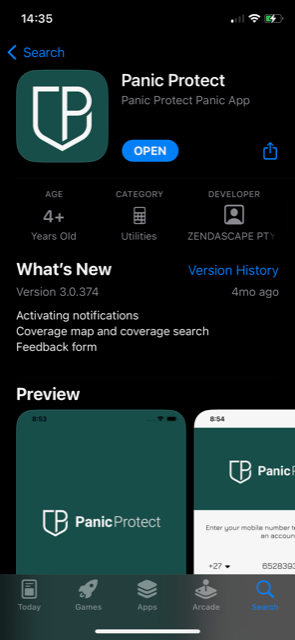
Step 1: Download the Panic Protect App from your app store
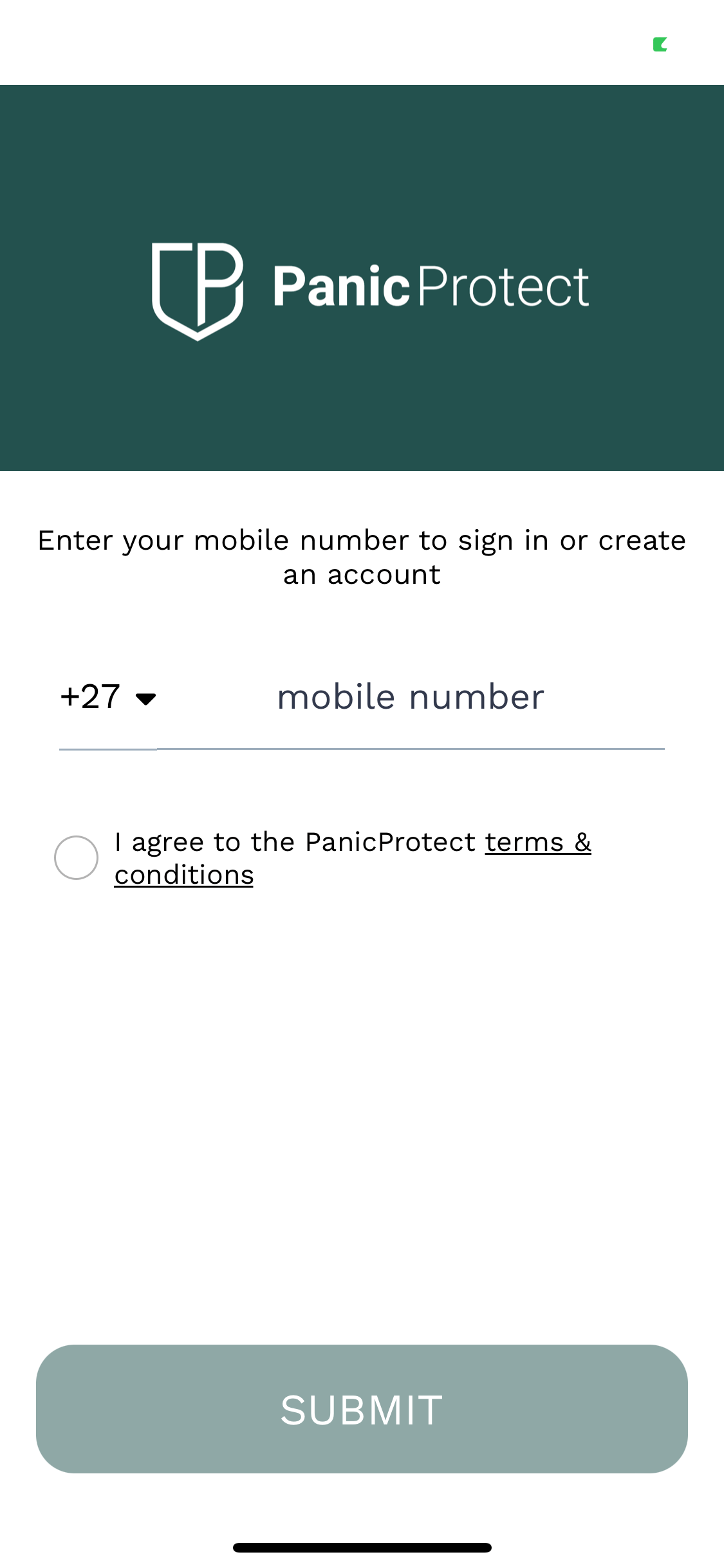
Step 2: Enter your Cell phone number to register
Step 3: Enter the OTP that will be sent to your number

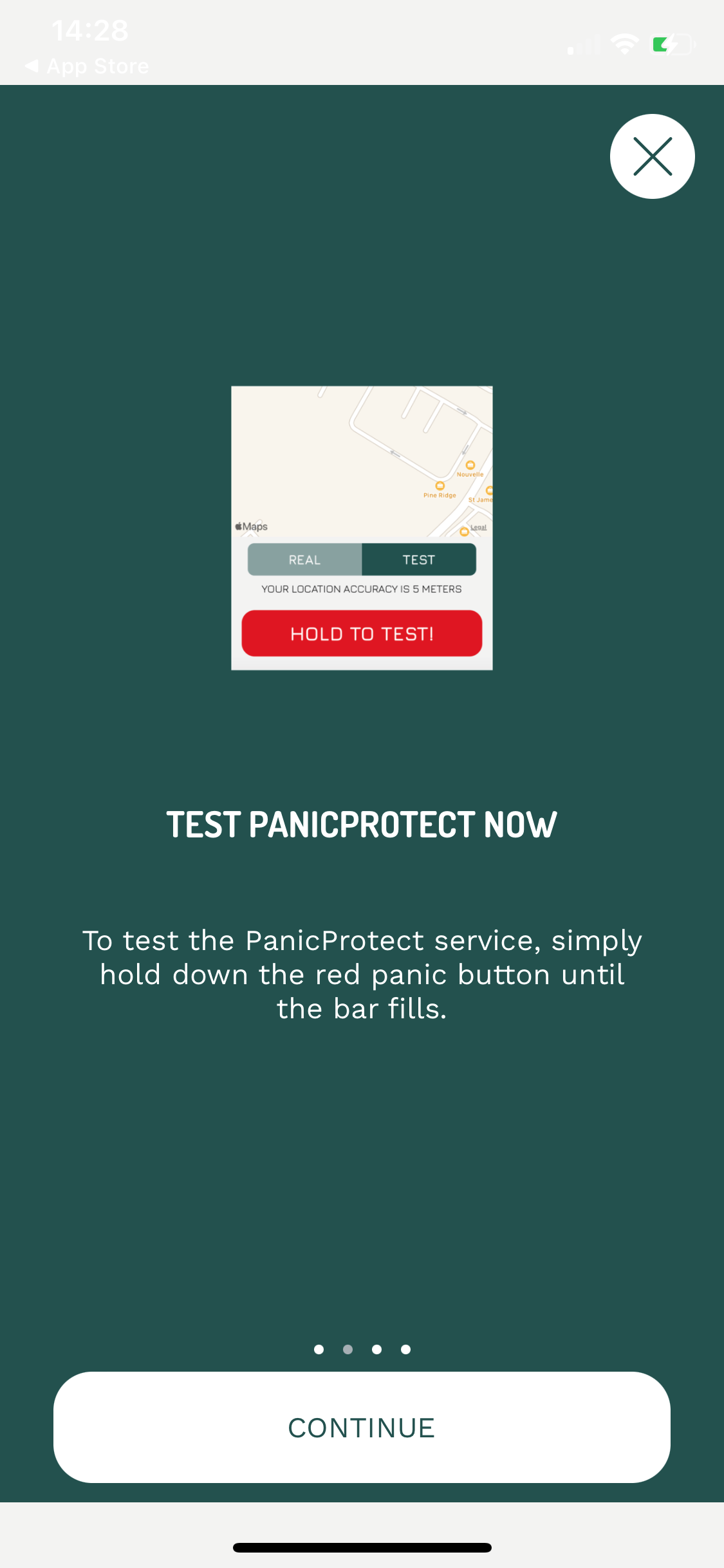
Step 4: Read the welcome instructions and click "continue"

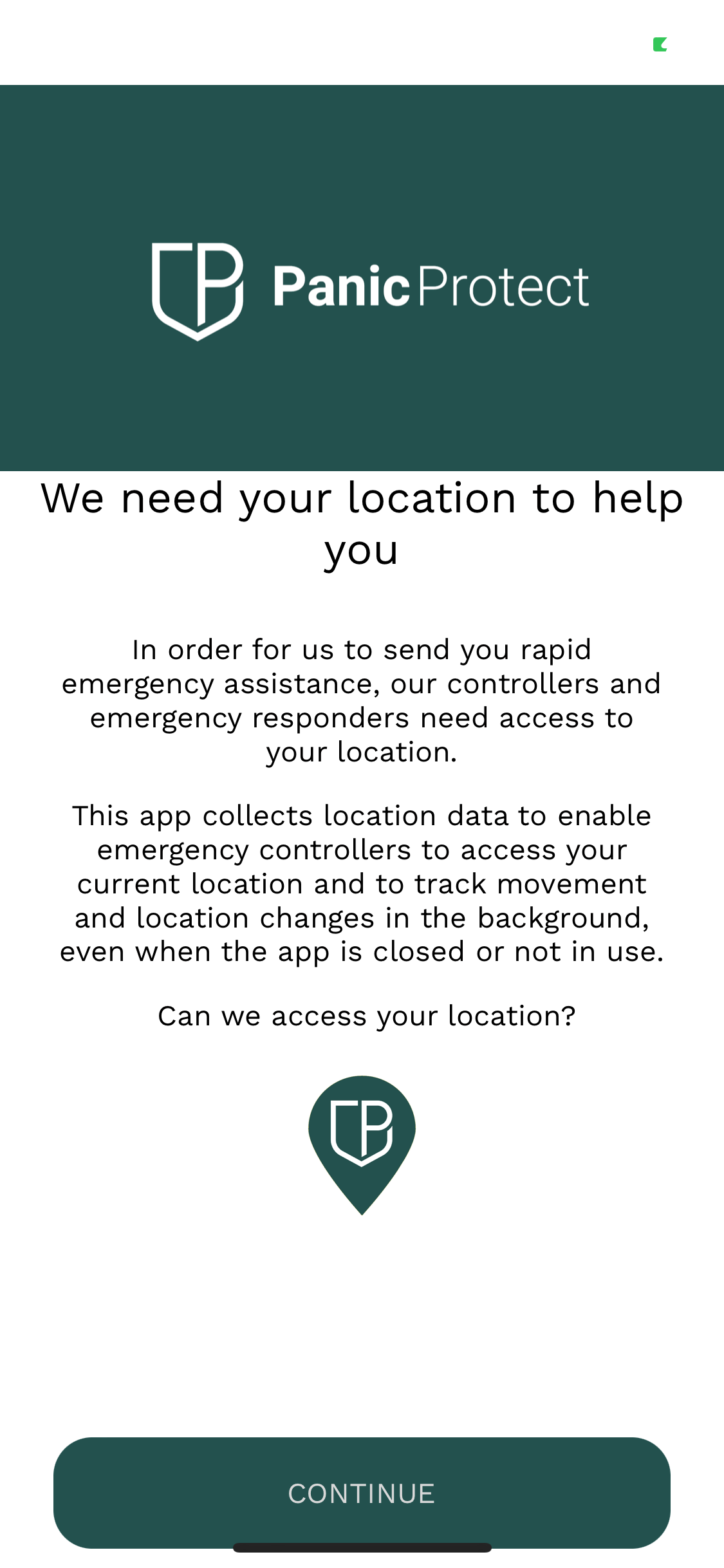
Step 5: Make sure you enable location services on your device
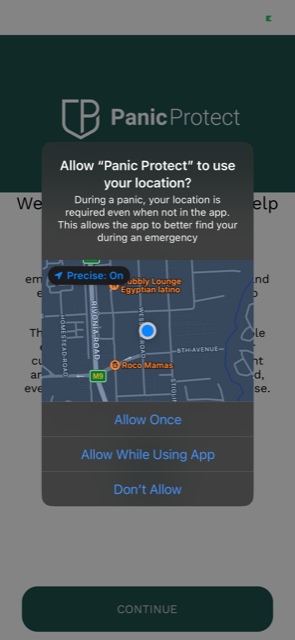
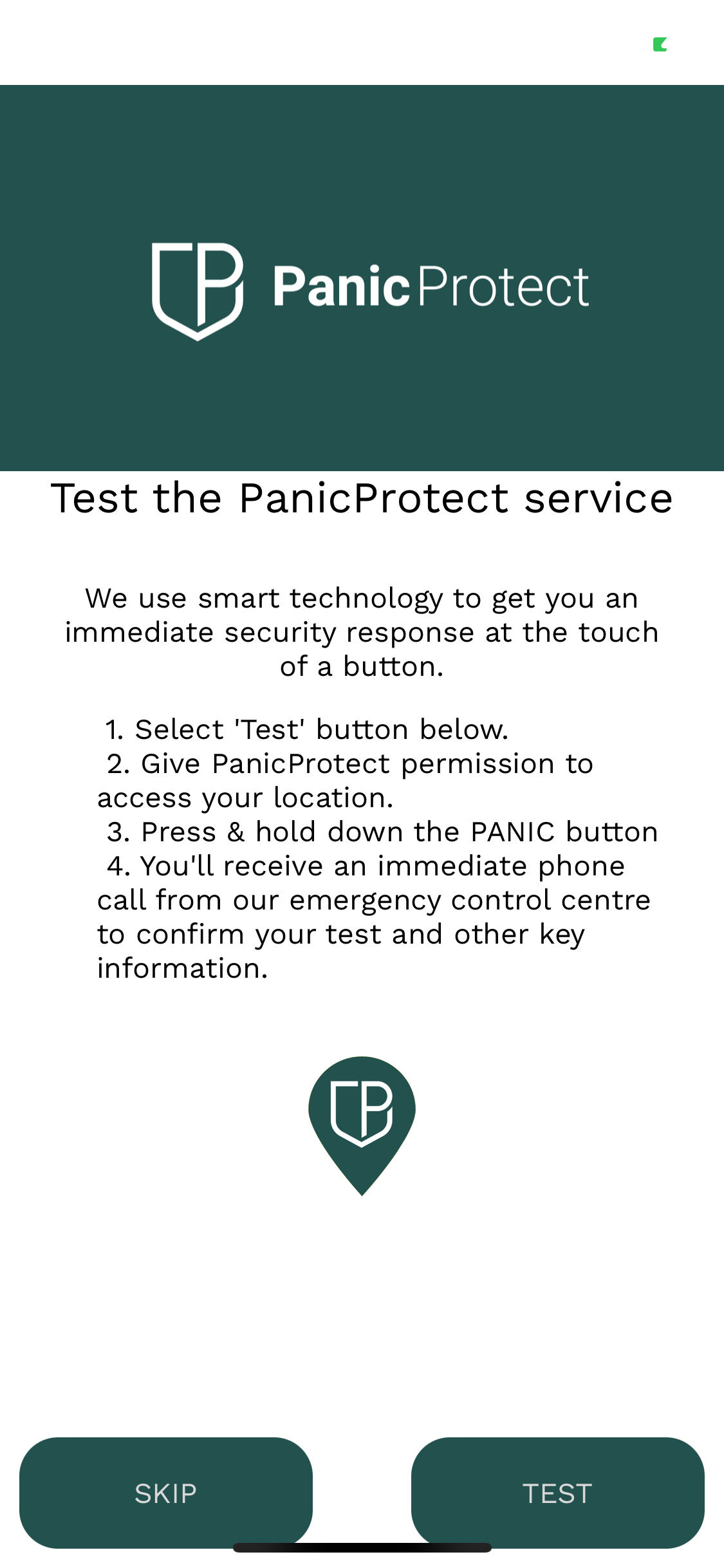
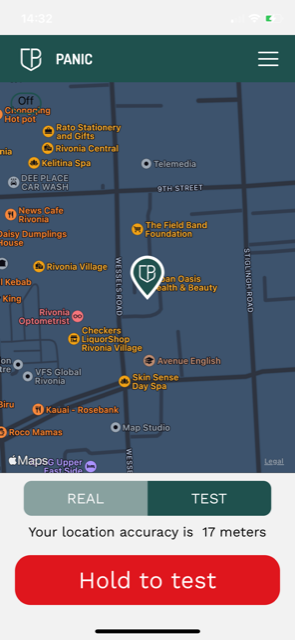
Step 6: You are now ready to test the App - just follow the instructions on the page.